Password With A Tap
A fingerprint sensor is cool because it lets you unlock your computer without having to do the whole password followed by Enter key thing — and of course having to remember the password or writing it down where it ends up getting lost or exposed to the wrong people. So if you’re in the Mac universe you have a few choices: junk your existing sensor-free Mac laptop and buy a MacBook that has a touch sensor built in or buy a Magic Keyboard that has the touch sensor built into it to use with a Mac mini or Studio or Pro or iMac. Not a lot of choices and a lot of money (not forgetting the “option” of at the expense of an Apple Watch’s unlocking ability either).
And for those using Linux the hoops that need to be jumped through to get the screen to respond is even more aggravating than that of Macs.
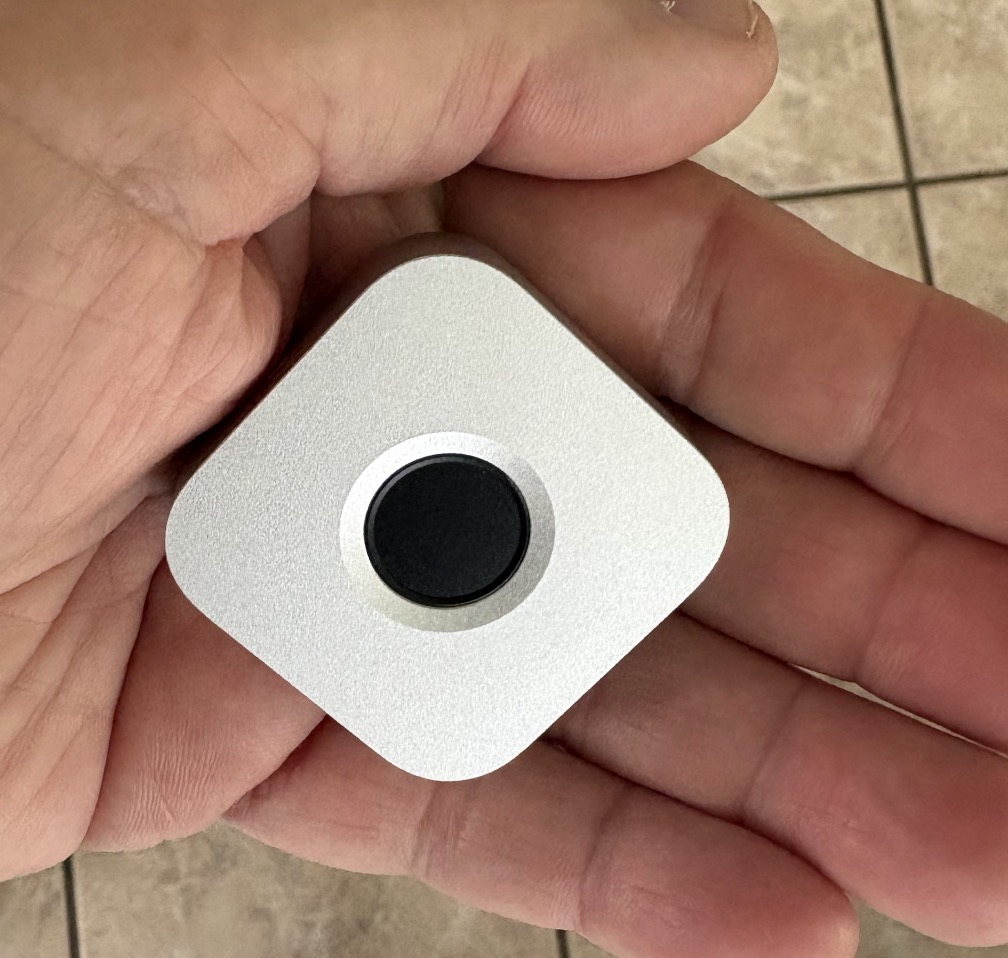
So where’s the open source wireless fingerprint sensor with Mac and Linux users in mind that does all those authentications with the touch of a finger and doesn’t come with a receipt costing plenty of zeros? Oh yeah, it also needs to keep passwords being used locally so that it can’t be ripped from the Cloud by thieving jerks? So because the immurok Wireless Fingerprint Auth Key is about the size of an Oreo cookie, we can drop the Mighty Mouse theme for it to save the day.
Local Password Control
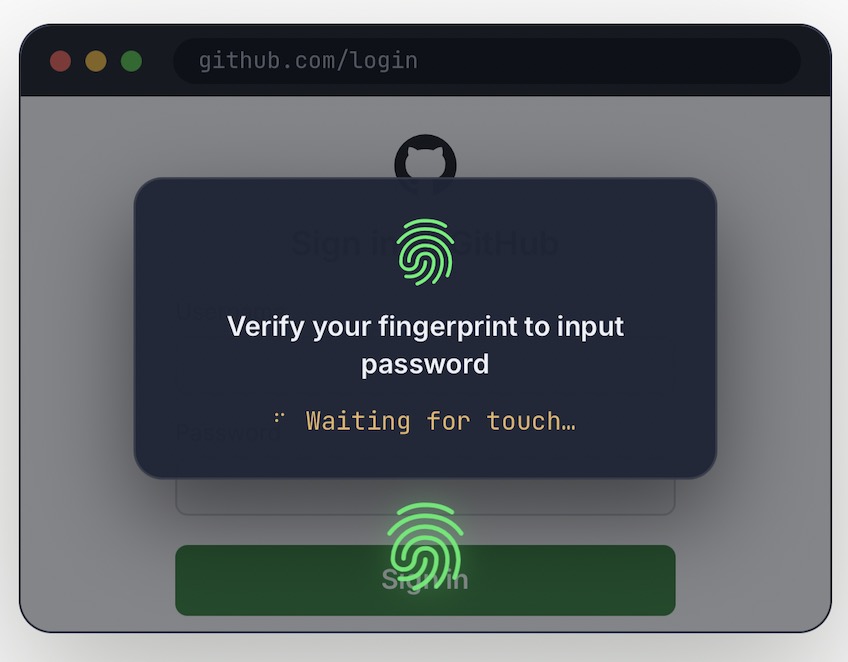
The immurok Wireless Fingerprint Auth Key isn’t plastic but metal so it’s weighty enough to stay still when you press (stab) your finger on it. It uses Bluetooth between it and the host computer, meaning a short range of wireless frequencies moving through space that won’t let someone driving up to your home tap in, It also has a rechargeable battery so USB-C charging it up cable plugs in for a while and then takes a hike. Pair it up and it’ll handle up to five different, distinct fingerprints Not to get technical (but we will), a tap results in less than a second responding to do such things as unlocking the screen, authorizing sudo, generating TOTP codes — heard enough? — also clear system permission prompts, authenticate SSH, sign Git commits, unlock API keys, and approve high-risk AI agent commands. Whew — we get it, it does a lot but for our home office Mac mini, we just want to see it work to unlock the screen so we can get to those cat videos (joking, joking).
Getting It Ready
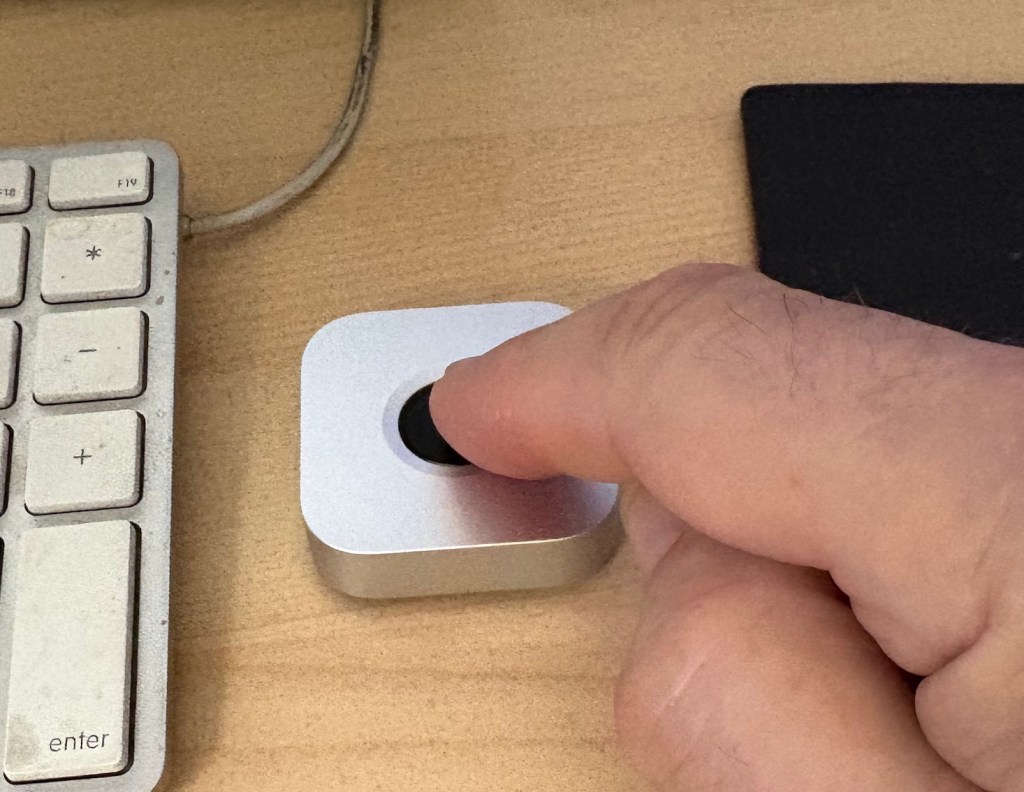
So here’s the process: the Auth Key is fully charged and placed next to our third-party keyboard we’ve been using for the last 10 years, sitting in front of our Mac mini M4 and that beautiful 4K curved screen we splurged on last year. Our sample didn’t come with anything other than the fingerprint sensor, so we had to check in with the designer to find out where we needed to download the app? That would let us kick it into gear. With that done and running, we switched the fingerprint sensor on using the tiny tab on its bottom that shows green paint (it says it has a 2 month Standby so leaving it on makes sense overall) and go to Settings/Bluetooth and pair it up. We’re asked to update the firmware and so we do and then we pair it with the app running (the confirm button is also found on the bottom).
Now the fun part — setting up the process. Start by downloading the operational app. Then follow the setup, including pairing with the (in this case) the Mac’s ……. We could repeat this for other fingerprints if others were using the Mac, btw.
Using The immurok Wireless Fingerprint Auth Key
Okay so does it work? Easy enough to find out with a reboot and up comes the Mac confirmation unlock. Normally we’d have to enter the password but instead we give the immurok a press. Yep there comes the desktop. We go over to our Notes app and look at our Password note that requires authorization— on our MacBook we just swipe our finger but here it’s entering that dang password every time. So again, just like with the unlock screen, we swipe our finger and again it works and we’re in. Yea!
Of course what we’re doing is a lot less involved than what is possible. Because there’s a lot more sophisticated options available to the user.
The immurok Wireless Fingerprint Auth Key doesn’t force a subscription and retails for under $50.00. But the most important thing is that it works exactly as it says it should. For more details go to https://www.kickstarter.com/projects/immurok/immurokwireless-fingerprint-auth-key-for-mac-and-linux?ref=anj