Lock It Up
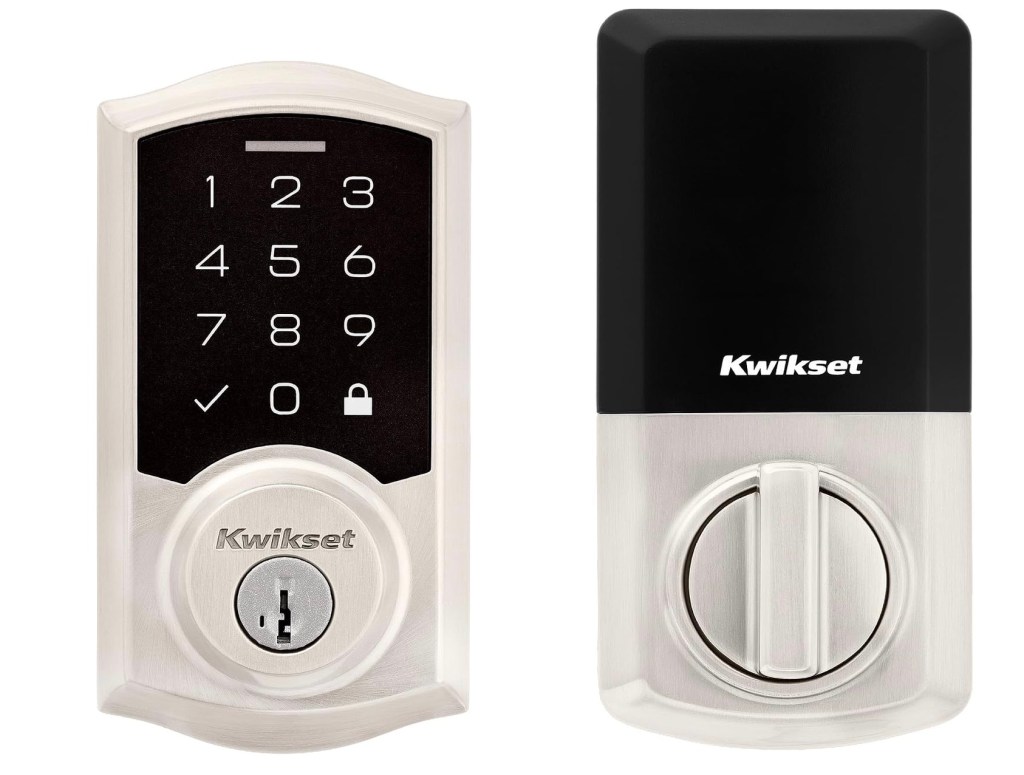
Electronic locks have come a long way over the years, but the basics still exist despite technology tossing in all kinds of bells and whistles. So when you think about it, locking the front door doesn’t need tons of tech to do what is needed — lock and control an electronic deadbolt that doesn’t allow for problems to develop. That’s where the Kwikset SmartCode 270 Keyless Entry Electronic Touchpad Deadbolt Door Lock comes into play.
What It’s Made Of
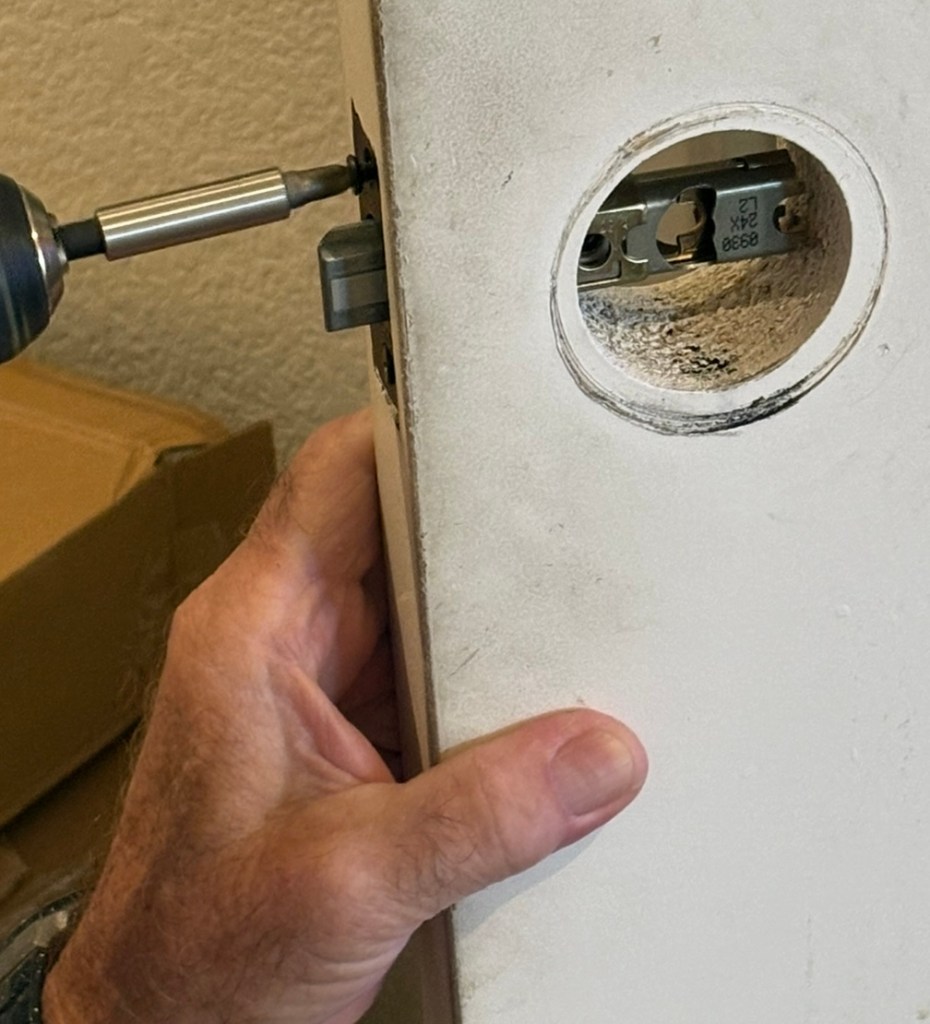
This electronic lock pretty much tells you what it does in its name: a deadbolt activated by electronics and those who have installed electronic deadbolts in the past won’t find any strange aspects of installing this in a door (there’s plenty of videos on doing this, including from Kwikset itself).
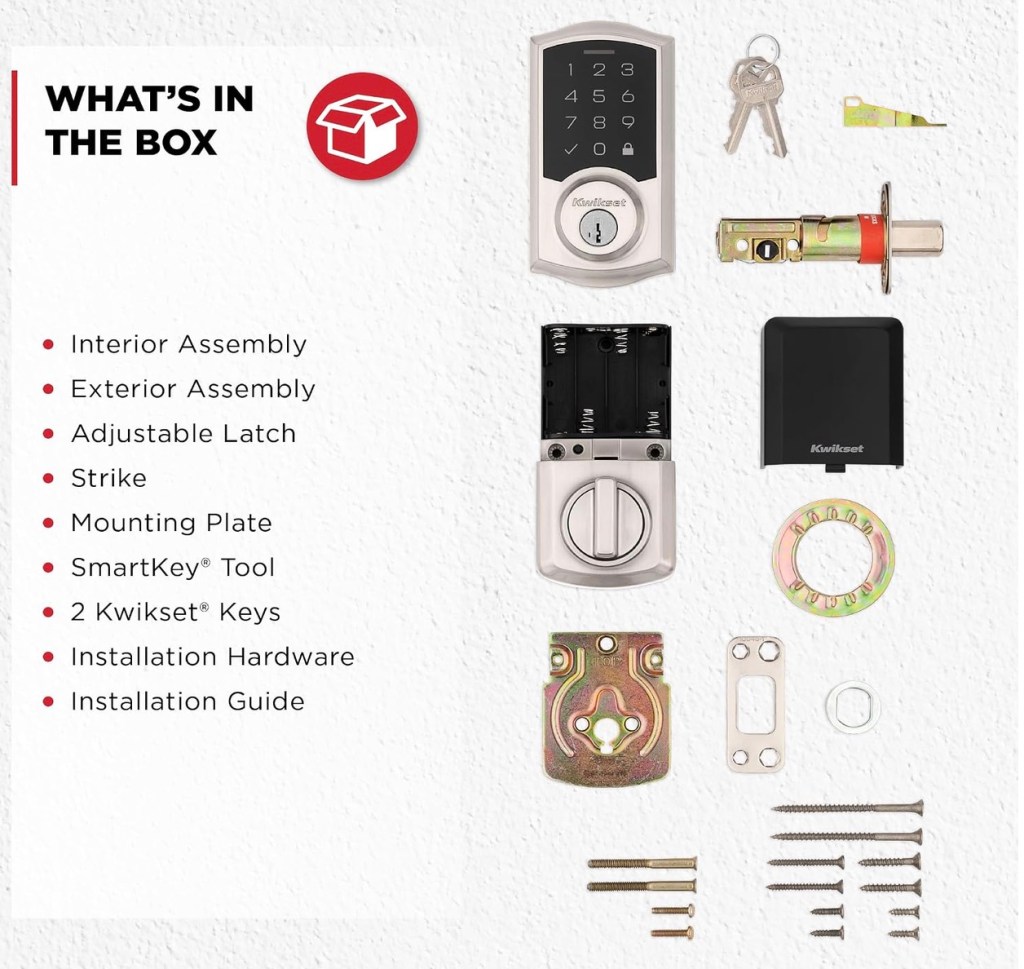
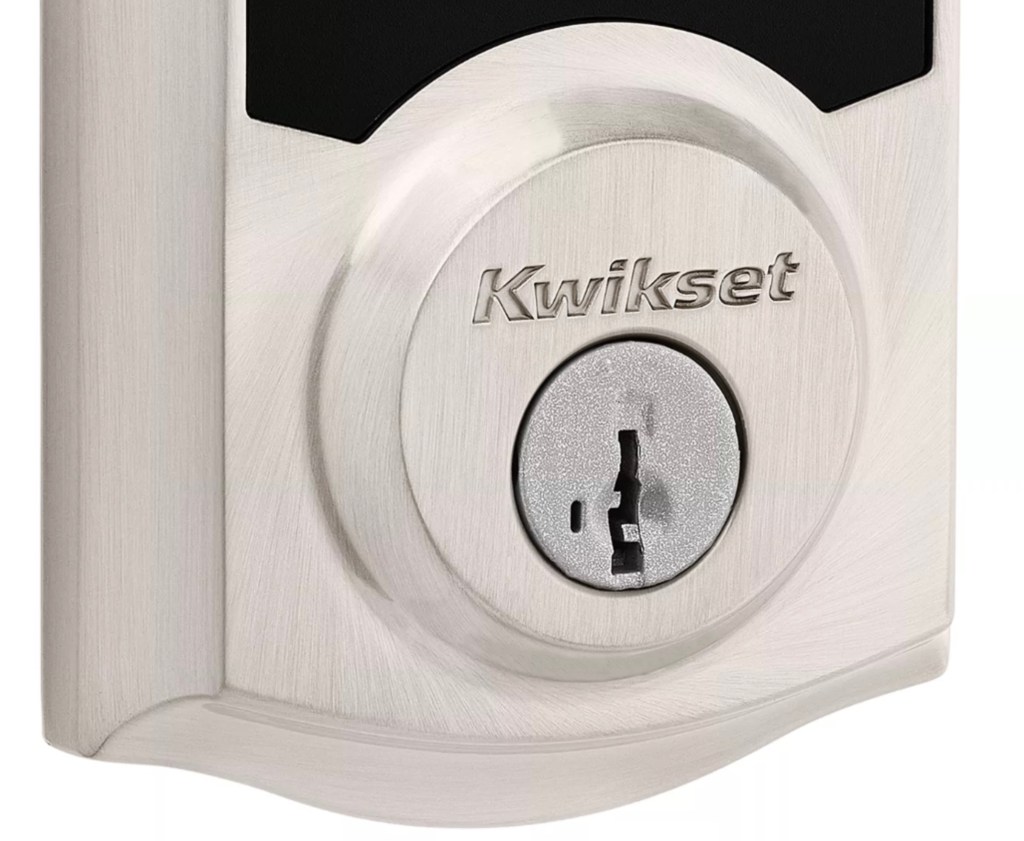
The lock itself is built to high standards and won’t give you easily to intrusion or attacks (Grade 2 BHMA certified). There is a keyhole for those times one might be needed, but the battery life is well into many months (up to a year Kwikset says). Speaking of batteries, no super expensive ones are needed as here you are using a set of 4 ‘AA’ batteries — although you can eschew cheapos for better quality disposable ones. And yes it comes with all the hardware needed to place it in position.
Look Ma, No WiFi
Now comes the fun part – there’s no WiFi (gasps begin). So no control app for sure but also no ability for some hacking to screw around with the lock and so with you. The backlit keyboard doesn’t care as long as your fingers can tap at it, and again no WiFi so no unlocking other than when you’re facing that keyboard. OH, while the backlighting doesn’t make much impact when there’s plentiful light, using the keyboard when it’s dark pretty much requires that backlighting. So yes it’s there. Other features are there as expected, such as an auto-lock that activates when the door is closed and which can be configured from 30 seconds up to 10 minutes. That can be helpful when you’re puttering around in the driveway for a short time and don’t want the hassle of having to unlock the door.
That doesn’t mean you don’t have various choices as to how the lock reacts. You can store up to 50 unique codes for others that you trust to use, including one time user codes.
And here’s something unusual — should three wrong attempts to get the lock to open happen, the lock deactivates for a minute. Now you might say that’s not all that unusual, but that an alarm also sounds is. As in loud enough to be more than annoying. And which is good not just for possible intruders but also for making sure the homeowner remembers the code.
Keep in mind that other locations will work with the Kwikset SmartCode 270 Keyless Entry Electronic Touchpad Deadbolt Door Lock, for example the garage door going into the house (which is where we installed it). Regardless of where you decide to install it, just figure on an hour or three to install it and another hour or so to get it up and running. Because it’s not only simple to use, it’s priced quite nicely as well. Find more details at https://www.kwikset.com/products/detail/270-smartcode-traditional-electronic-deadbolt